Custom checkbox at booking: get clients to accept your terms before they walk in
A client books an appointment, never shows up, and you lose two hours of your calendar. You call them, mention your cancellation policy, and hear the sentence every business knows:„Nobody told me about any terms.“And they have a point. If you never showed them, you have nothing to prove otherwise.This is exactly what the CONSENTS feature in your booking form settings solves.
What the CONSENTS feature does
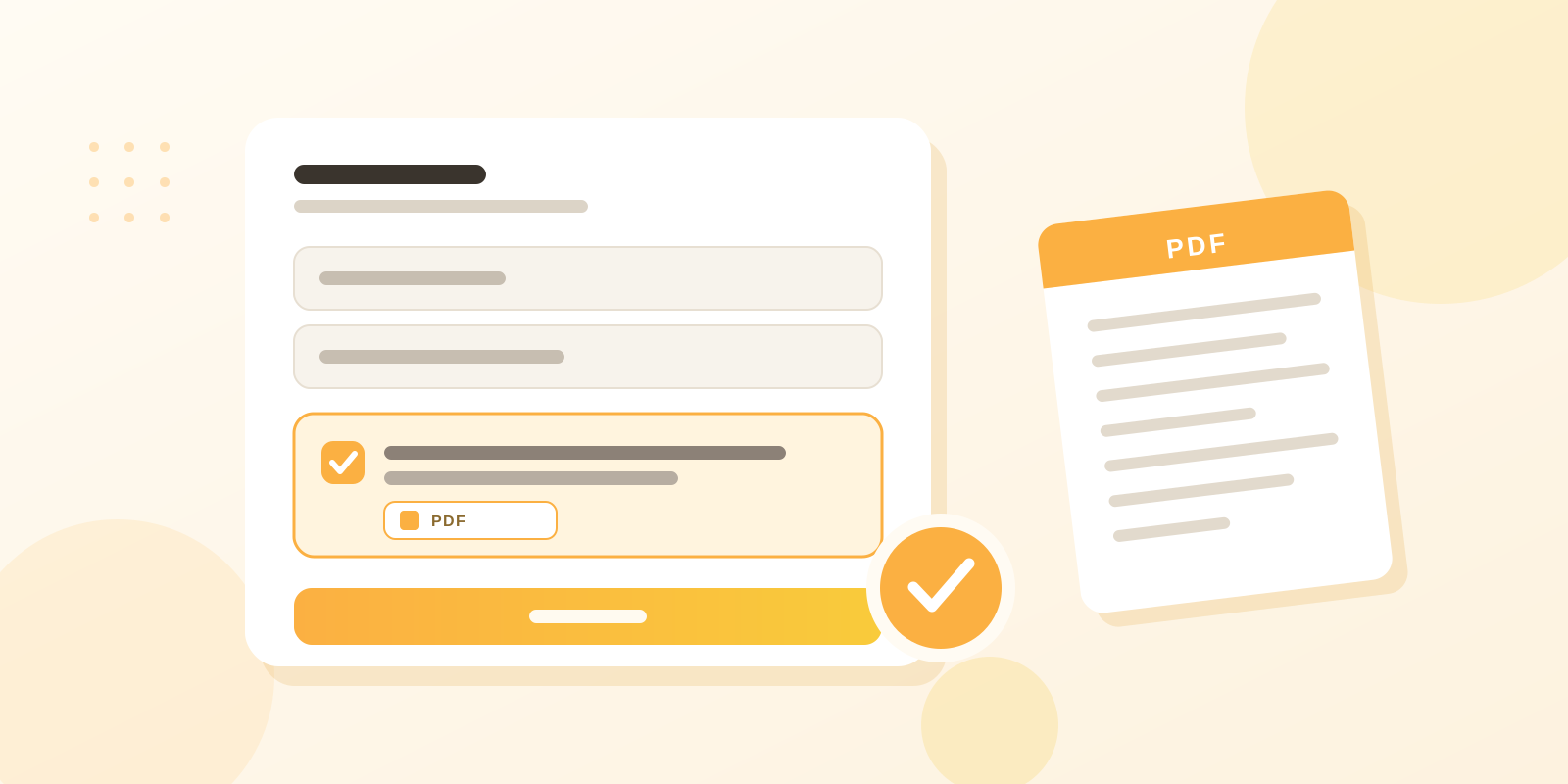
You add your own checkbox to the online booking form. You decide what text appears next to it, and you can attach your own document, for example a PDF with your cancellation policy or a treatment consent form.The client sees the text before completing the booking. The document opens with a single click. Once they tick the box and submit the booking, their consent is stored in the database.Three things at once:
The client is informed. Nobody can claim they did not know about your terms.
The document is always available. No emailing it around, no printing it at the front desk.
You have a record. For every booking you know who agreed and when.
What businesses actually use it for
The feature is deliberately open, you write the text yourself. Here is how different industries use it.Beauty salons and barbershops
Cancellation policy and no-show fees. Treatment consent before colouring, lash extensions or permanent make-up. A reminder about the patch test 48 hours before the appointment.Wellness and massage
Health questionnaire and contraindications. House rules. Conditions for entering the sauna or pool.Auto repair shops
Consent to repair terms and to a possible price increase after diagnostics. Notice about liability for items left in the vehicle. Tyre storage terms.Wedding dress rentals
Rental terms, deposit, cancellation deadlines, liability for damage.Anywhere
Consent to personal data processing and to using treatment photos on social media.
Why the stored consent matters
Displaying your terms is one thing. Being able to prove a year later what exactly the client saw is another.That is why EASYBOOKING stores the wording of the text the client agreed to at that moment, together with the date and time. If you change your terms six months from now, older bookings stay linked to the original wording.That is the difference between „it is written somewhere on our website“ and a record you can produce on demand. In a complaint, in a dispute over a cancellation fee, and in a data protection audit, this is exactly the evidence you need.Paper forms in a drawer cannot do this. Finding one client’s signature from last summer means digging through a pile of paperwork, assuming it still exists.
How to set it up
Setup takes a few minutes and you do not need anyone external for it.
In the admin panel, open your booking form settings and go to the Consents section.
Add a new consent and write the text that will appear next to the checkbox. Keep it short and clear.
Upload a PDF if you want to give the client the full wording.
Choose whether the consent is required. With a required consent, the client cannot complete the booking until the box is ticked.
Save it, then open your own booking form to see the result through your client’s eyes.
Done. From that moment on, you get a consent with every new booking.
Three tips from practice
Keep the checkbox text short. Nobody reads a five-line paragraph and it needlessly stretches the form. One sentence plus a link to the document works best. For example: „I agree to the salon’s cancellation policy.“Make required only what really has to be. Every extra required box is one more step between the client and a completed booking. Cancellation policy, yes. Consent to Instagram photos can stay optional.Keep the document current. If you change prices or deadlines, upload a new version. Older bookings stay linked to the original wording, so your history stays intact.
Summary
A custom checkbox in your booking form is not administrative detail. It is the cheapest way to prevent disputes that cost you time, nerves and money in your calendar.The client spends a few seconds ticking a box. You get peace of mind.You will find the CONSENTS feature in your booking form settings, included in your account. If you are not using EASYBOOKING yet, try it for free and set up your own terms on day one.
Na poskytovanie tých najlepších skúseností používame technológie, ako sú súbory cookie na ukladanie a/alebo prístup k informáciám o zariadení. Súhlas s týmito technológiami nám umožní spracovávať údaje, ako je správanie pri prehliadaní alebo jedinečné ID na tejto stránke. Nesúhlas alebo odvolanie súhlasu môže nepriaznivo ovplyvniť určité vlastnosti a funkcie.
Funkčné
Vždy aktívny
Technické uloženie alebo prístup sú nevyhnutne potrebné na legitímny účel umožnenia použitia konkrétnej služby, ktorú si účastník alebo používateľ výslovne vyžiadal, alebo na jediný účel vykonania prenosu komunikácie cez elektronickú komunikačnú sieť.
Predvoľby
Technické uloženie alebo prístup je potrebný na legitímny účel ukladania preferencií, ktoré si účastník alebo používateľ nepožaduje.
Štatistiky
Technické úložisko alebo prístup, ktorý sa používa výlučne na štatistické účely.Technické úložisko alebo prístup, ktorý sa používa výlučne na anonymné štatistické účely. Bez predvolania, dobrovoľného plnenia zo strany vášho poskytovateľa internetových služieb alebo dodatočných záznamov od tretej strany, informácie uložené alebo získané len na tento účel sa zvyčajne nedajú použiť na vašu identifikáciu.
Marketing
Technické úložisko alebo prístup sú potrebné na vytvorenie používateľských profilov na odosielanie reklamy alebo sledovanie používateľa na webovej stránke alebo na viacerých webových stránkach na podobné marketingové účely.